
Article
Bad pixels in ALTRON: learning the map and correcting in real time
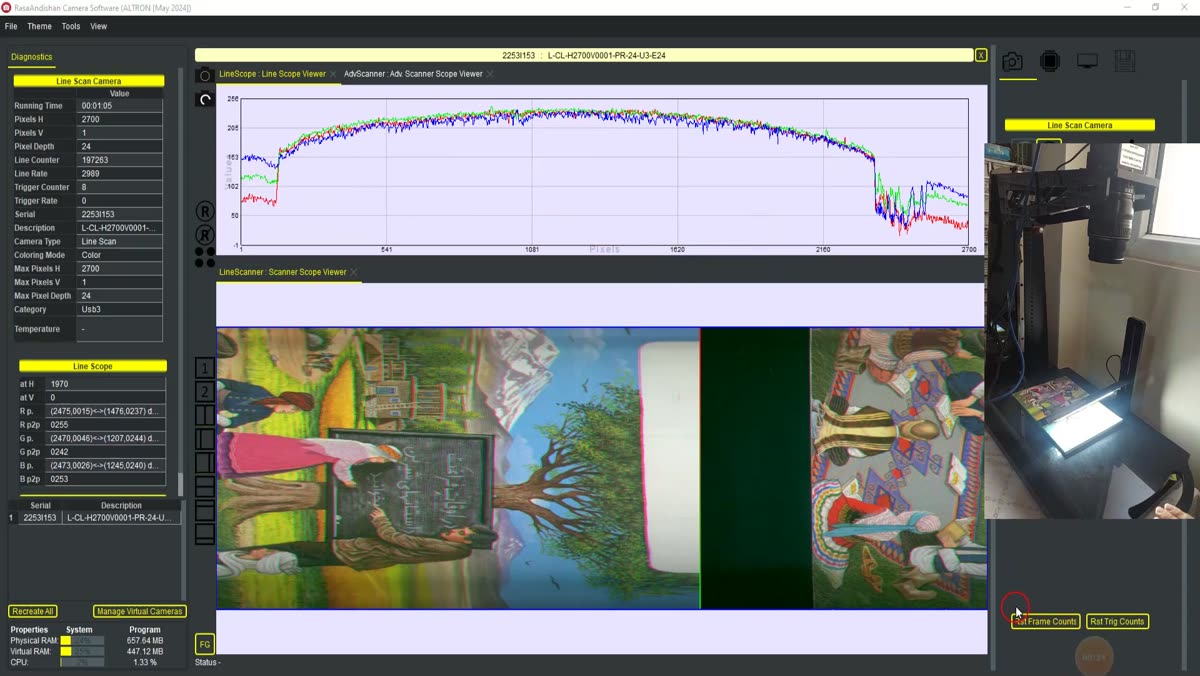
You open the scanned image and see a thin bright line running from the top to the bottom of the image. You look at the next scan as well, and the same line is there, in exactly the same column. This is usually caused by one of the bad pixels of the sensor. In a line-scan camera, each pixel is repeated in every line, so a single defective pixel turns into a continuous line across the whole image. In inspection, this very line can be reported as a scratch or a product defect.
No sensor is completely flawless. The question is not whether we have bad pixels. The question is what to do about them.
In ALTRON this is done with the BPC-Bad Pixel Correction node. Its settings panel opens with the title Runtime BPC. This node is not included in the ready-made line-scan camera graph. Add it in the graph editor, after black level correction and before gamma and the sharpeners.
The logic is simple. The node does not guess in each line which pixel is bad, because that guess could also erase real image detail. Instead, an exact map of the bad pixels is built once. From then on, only those known pixels are corrected.
- Point the camera at a uniform scene.
- Click Start Learn. While learning, the button shows the amount of data collected.
- After a few moments, click the button again. The map is built and the program asks where to save the bpc file.
- Apply BPC is checked automatically and the file path is shown in Ref file.
Next time, just load the same file with Load Map. If you ever want to start over, clear the map with Clear.
If you change Apply BPC, Edge-aware, RTS suppression or the two line-scan-specific numbers, the change does not reach the node until you click Set. We have often seen someone change the threshold and wonder why the image hasn't changed.
A bad pixel is a physical defect of the sensor, so its correction must come before cosmetic adjustments such as gamma and sharpeners. If you place it after them, the sharpener first creates a halo around the bad pixel, and after that it can no longer be cleaned up.
For thermal cameras: the same node is already present in the ready-made graph of the Thermal camera and you can capture the map on the same uniform scene you use for non-uniformity correction.
A short general source on defective pixels: Wikipedia (English).
See our line-scan cameras on the line scan cameras for more. If you see a line on your image that this method does not remove, get help from contact page to send us a picture of it.